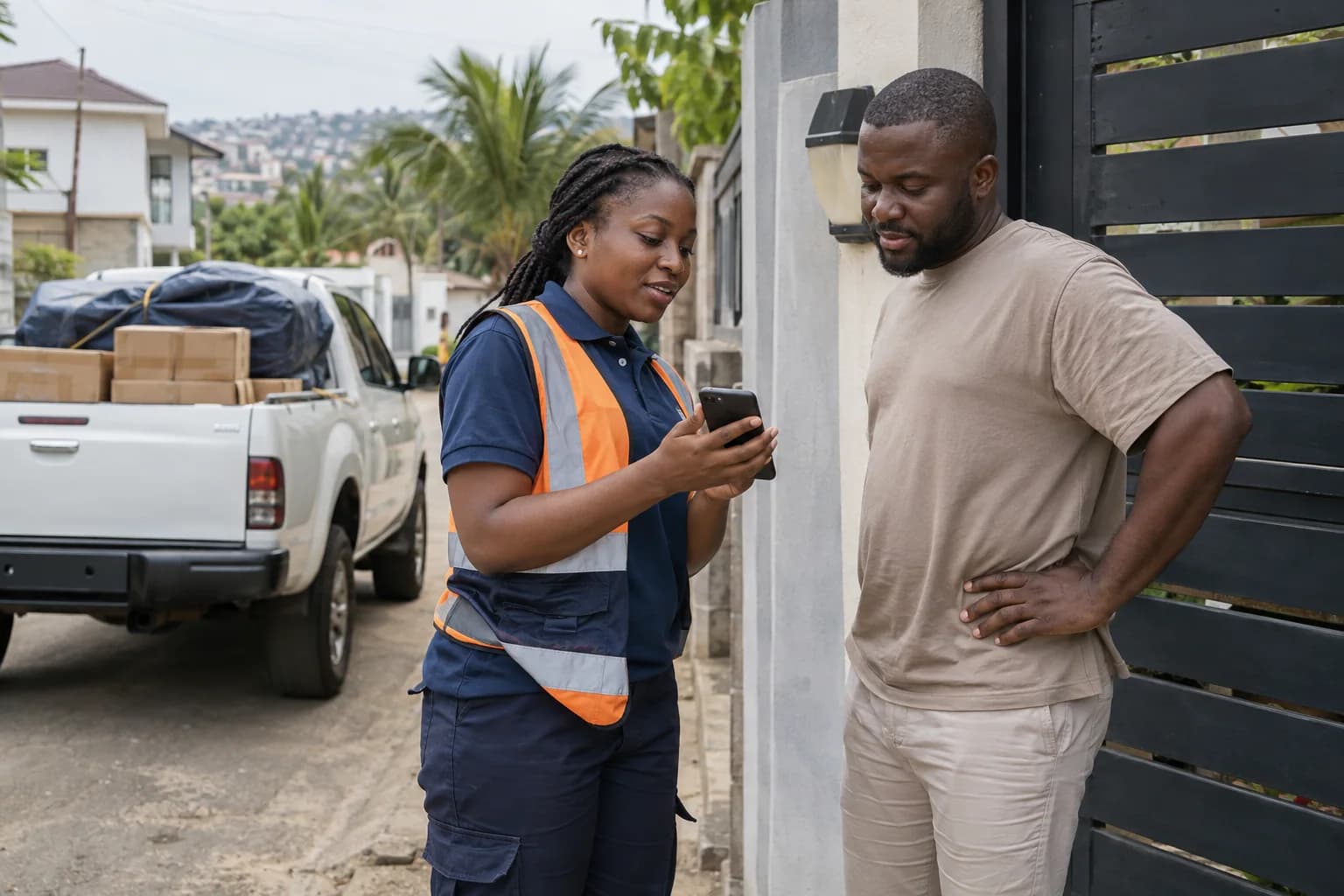
AI-generated editorial illustration. People and scenes are illustrative, not customer testimonials.
Combine location suggestions, a checked map point and useful entrance instructions so a driver can find the actual loading place.
Start with the location search, then verify
Type the place or address into the booking's location search and inspect the suggested result before selecting it. Similar business names can exist in different areas. Ask the customer whether the map point represents the collection entrance, a nearby road or just the middle of the neighbourhood.
In CargoMov Agent, your current location is useful only when you are genuinely at the pickup or drop-off point. If a customer calls from another town, using the Agent outlet's GPS position can distort both the route and the quote. Confirm the customer's location instead of choosing the fastest way to complete the field.
Use GhanaPostGPS as supporting address information
GhanaPostGPS assigns digital addresses to locations. Ask the sender or receiver to share the relevant address where available, alongside a useful landmark and phone number. The official GhanaPostGPS help page explains the addressing system.
Do not assume that a Google location-search field will automatically understand every digital address. If it does not resolve correctly, confirm a usable map location with the customer and keep the digital address in the appropriate address or instruction field. A digital address is helpful information, not proof that a truck can enter the premises.
Write instructions a driver can act on
Good notes answer an access question: which gate, which side of a compound, where to park, whether a security desk must call the receiver, or whether loading is upstairs. Avoid notes such as 'call me when close' without a specific point and an available contact.
For a warehouse collection, confirm the loading entrance rather than the office reception. For a home delivery, ask about road width, gate clearance and stairs. Use respectful, factual descriptions. Do not ask a driver to stop unsafely or drive into an unsuitable route simply because the map shows a short path.
Give every additional stop its own details
For multiple pickups or drop-offs, record each stop's contact and goods. Confirm the order and whether somebody will be available at the relevant time. A job with several locations should not be described as one direct trip with extra instructions added only after a driver accepts.
Use clear item labels so the driver can distinguish what goes to each receiver. If the route changes after booking, update it through the supported process and review the effect on cost and timing. Read the first-booking guide before treating a changed route as a minor note.
Check the distance before confirming the price
If the displayed distance looks implausible, stop and review both points. Ask whether the selected town, neighbourhood and gate are correct. Do not silently replace a calculated road distance with a guess. If the route cannot be calculated, resolve the location or seek support before representing the fare as confirmed.
Keep the final location agreement with the job reference, then share only the delivery information the receiver needs. Clear addresses reduce avoidable calls, but they do not guarantee an arrival time: access, cargo readiness and traffic still affect the delivery. Confirm any important deadline with the assigned driver.
Topics covered
Frequently asked questions
Is a GhanaPostGPS address enough on its own?
It helps identify a location, but the booking should also include the correct entrance, relevant access instructions and reachable contacts.
Can I use my Agent outlet's GPS for a customer elsewhere?
No. Use the actual cargo pickup and delivery locations. A substituted point can create the wrong route, distance and price.
Ready to help customers book deliveries?
Use CargoMov to plan a cargo booking, review available pricing options and follow the delivery. Agent access and Driver access are subject to the relevant account approval.